

Style Probe
Hover to inspect computed CSS, click to copy. Free: formats, last copies, selector. Pro: ExtHub sync.
Screenshots
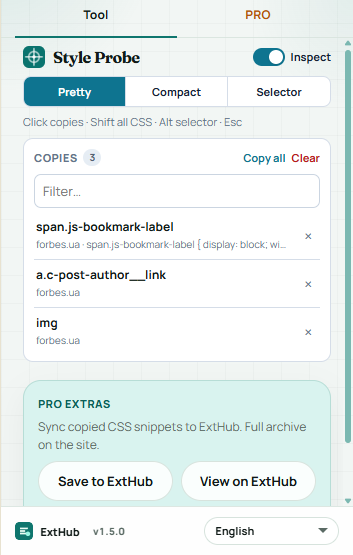
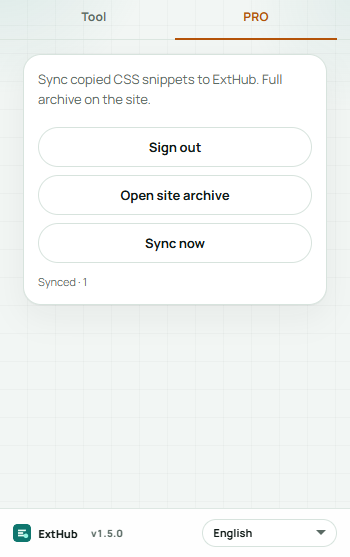
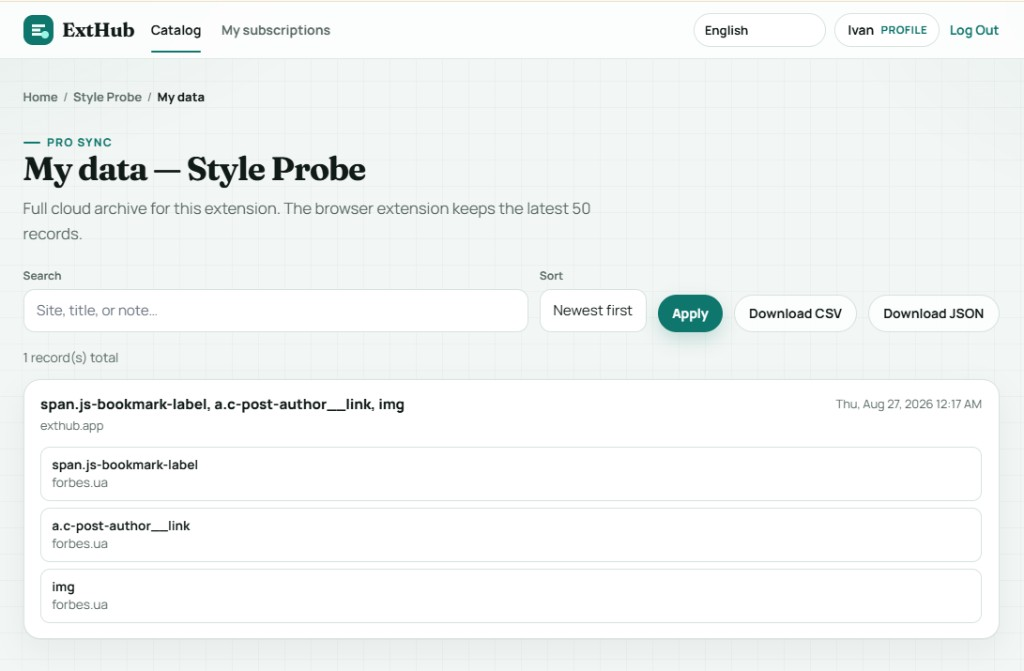
Hover to inspect at real size. On a phone, swipe.
Free vs Pro
See what stays free in your browser and what Pro unlocks.
Free
Included with the Chrome extension
- Hover to inspect computed CSS and click to copy — no ExtHub account
- Pretty, compact, or selector copy; Shift+click all properties; Alt+click the selector
- Box size and color swatch on the tooltip; last 50 copies with filter and copy-all
- Esc exits inspector; page HTML stays in this browser
Pro
Unlocked with an ExtHub subscription
- Sync copied CSS snippets to ExtHub and restore them in the popup
- Same snippet log on another device while Pro is active
- Up to 50 snippets in the extension; full archive on exthub.app
Why upgrade to Pro
- Inspect and copy without signing in; Pro is optional for the cloud log
- Pick up the same CSS copies on another machine
- One subscription, only for Style Probe
About
Style Probe lets you hover any element on a normal http(s) page to see computed CSS, then click to copy it. Chrome://, the Web Store, and other restricted pages are skipped. Free tools stay in this browser — no ExtHub account.
Turn Inspect on in the popup, pick Pretty, Compact, or Selector, then click an element. Shift+click copies all properties; Alt+click copies the selector. The tooltip shows box size and a color swatch. Esc exits. Last copies stay in the popup (filter, click a row to copy again, copy-all). Up to 50 locally.
Pro can sync that copy log to ExtHub and restore it in the popup. Search and CSV/JSON export are on ExtHub. Page HTML is never uploaded.
إضافات ذات صلة

Form Scoop
أدوات المطوّرينSerialize forms on the active page to JSON and copy or download the data. Pro saves snippets, extra format options, and ExtHub sync.

Json Forge
أدوات المطوّرينFormat, minify, and validate JSON locally with path lookup. Pro saves snippets, extra format options, and ExtHub sync.

Media Probe
قريبًاInspect CSS media queries on the page — match state, viewport, prefers-*, breakpoints, and export. Pro saves reports, export, and...