

Calm Read
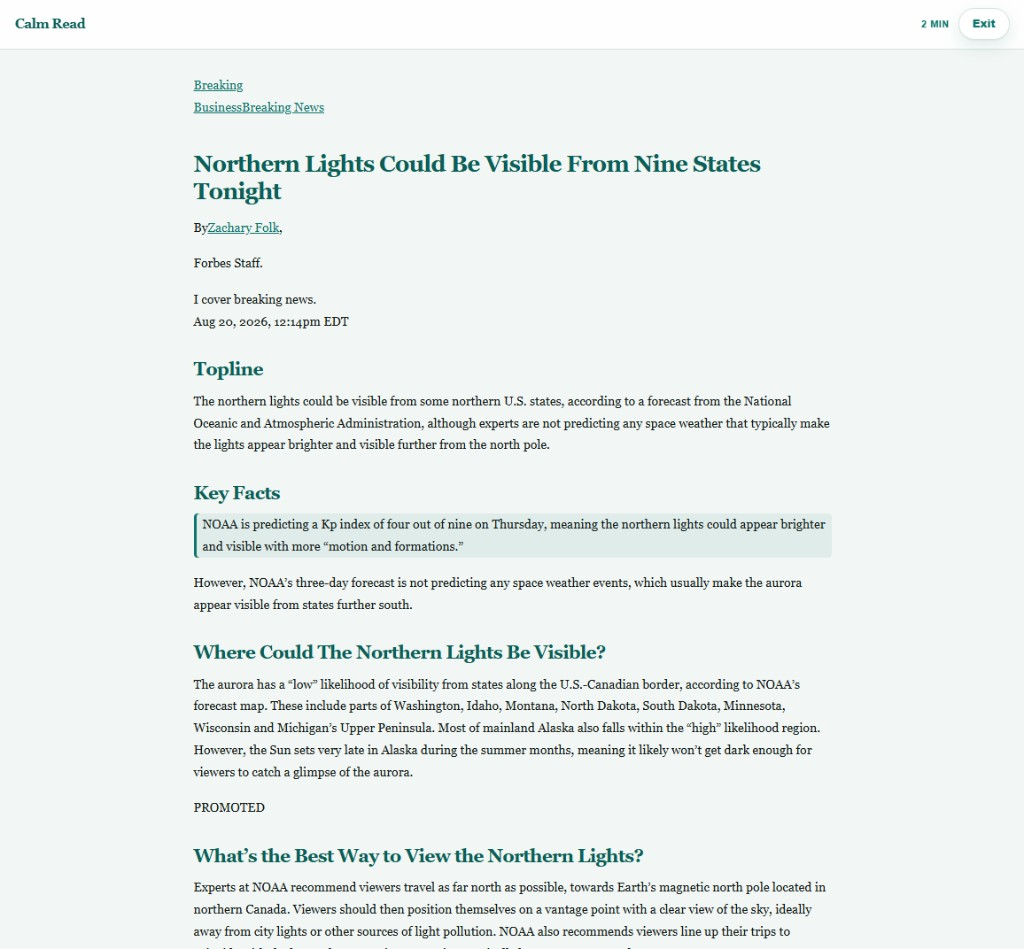
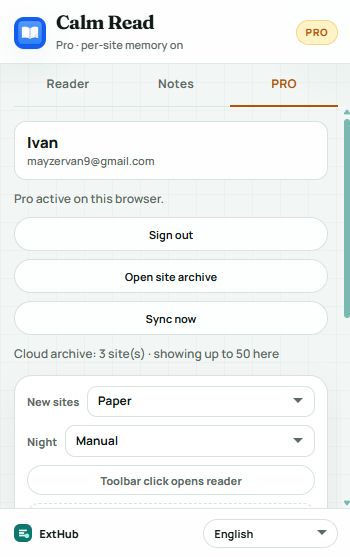
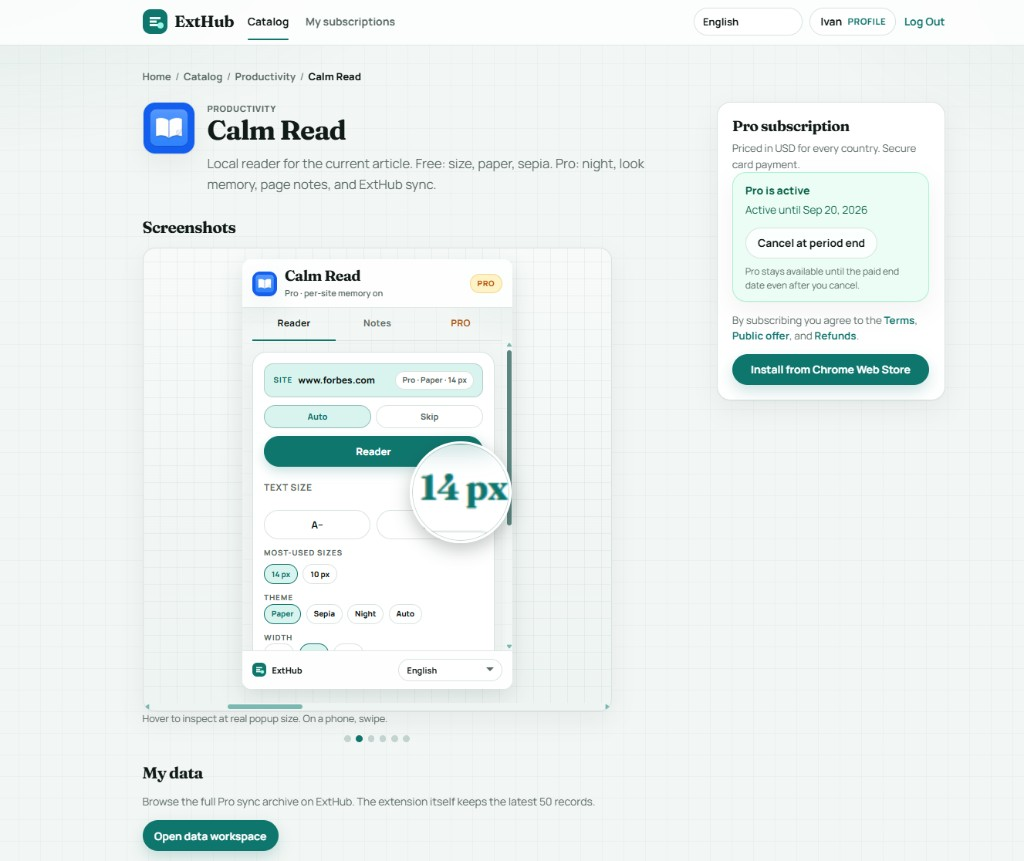
Local reader for the current article. Free: size, paper, sepia. Pro: night, look memory, page notes, and ExtHub sync.
Screenshots
Hover to inspect at real size. On a phone, swipe.
Free vs Pro
See what stays free in your browser and what Pro unlocks.
Free
Included with the Chrome extension
- Reader view for the current article, locally in the browser — no ExtHub account
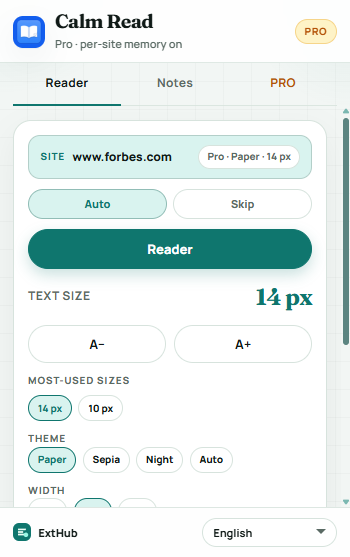
- Text size plus paper or sepia. Night, look memory, and sync stay on Pro
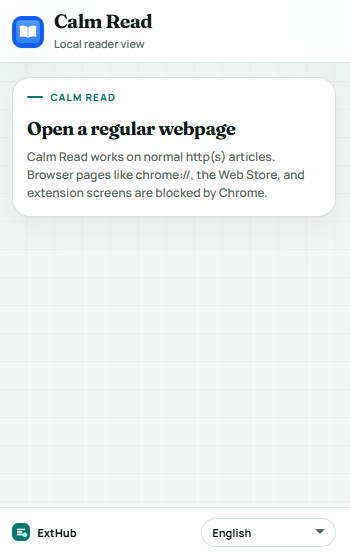
- Works on normal http(s) articles (not chrome://, the Web Store, or extension pages)
Pro
Unlocked with an ExtHub subscription
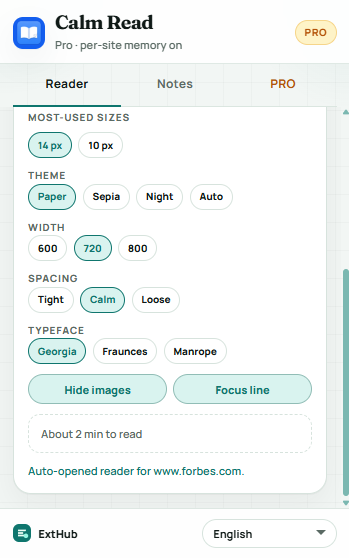
- Night and auto theme; remember look per website (size, typeface, width, spacing)
- Auto-enter, skip list, and defaults for new sites; restore reading progress
- Hide images and a focus line while you read
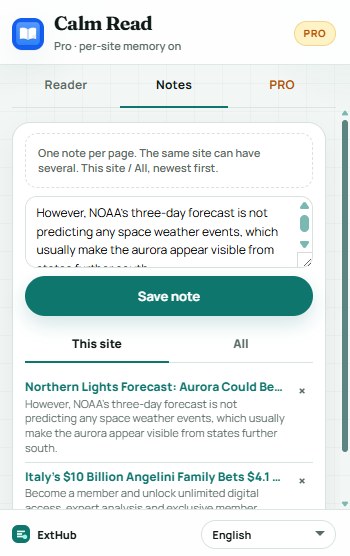
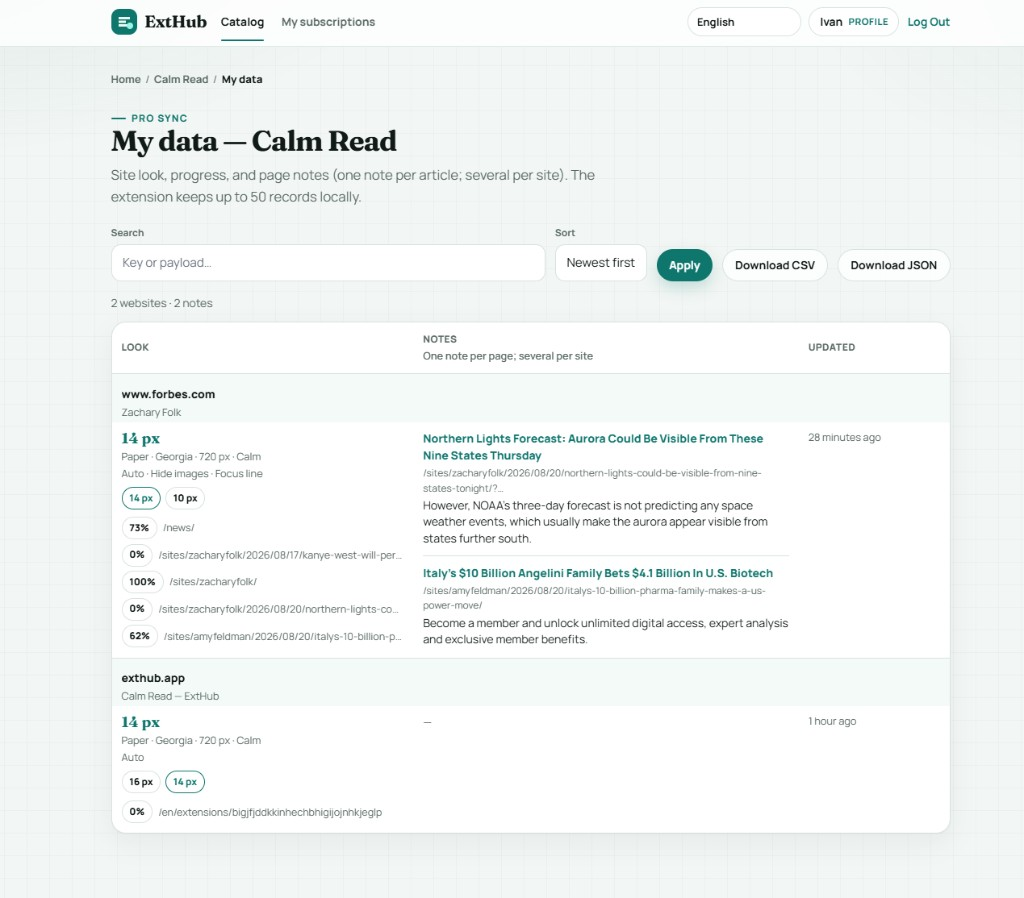
- Page notes: one note per article, several per site; This site / All, newest first
- Cloud sync, export/import, and the full archive on exthub.app
Why upgrade to Pro
- Set Wikipedia or a news site once — the reader opens the way you like
- Night stays with the site on Pro, not just this tab
- Leave a short note on a page; another article on the same site can have its own
- Up to 50 records in the extension; search and export on ExtHub
About
Calm Read extracts the article on this page and shows it in a local reader — no account for the free tools.
Free is the current page only: text size from 10 to 28 px, paper or sepia. Chrome pages, the Web Store, and extension screens stay blocked by the browser.
Pro remembers the look per website (night or auto theme, size, typeface, width, spacing, hide images, focus line), can auto-enter or skip a site, and restores reading progress. Notes are one per article URL and several per site; empty notes are not stored. The extension keeps up to 50 records; search, export, and the full archive are on ExtHub.
Related extensions

Box Trace
ProductivityHover elements to inspect content, padding, border, and margin box sizes. Pro remembers this site, presets, and ExtHub sync.

Layout Grid
Coming soonDebug page layout with depth outlines, flex/grid accents, and a configurable column overlay. Pro remembers this site, presets, an...

Link Sweep
ProductivityScan page links for broken URLs — filters, concurrent checks, export, and on-page highlight. Pro saves reports, export, and ExtHu...