

QuickType
Expand private text shortcuts in any editable field. Free: pause, search, Space/Enter. Pro: ExtHub sync.
Screenshots
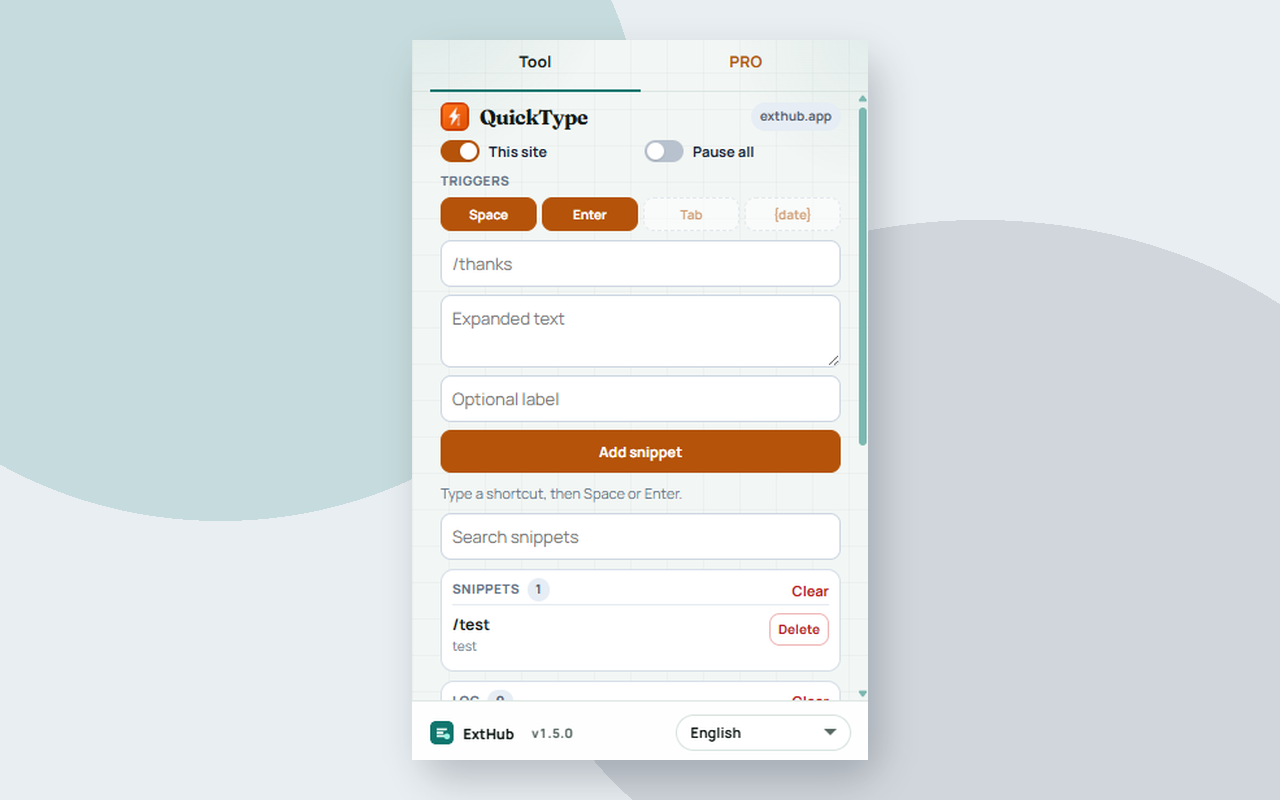
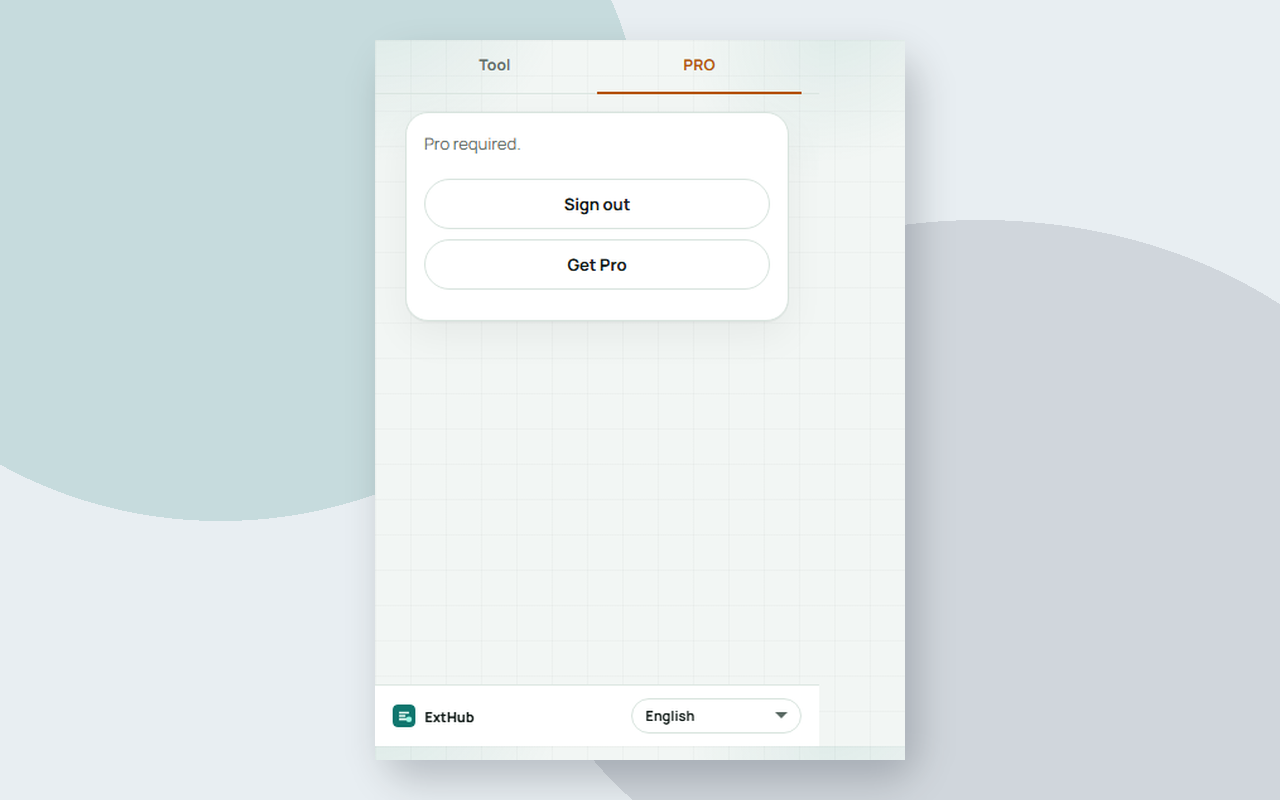
Hover to inspect at real size. On a phone, swipe.
Free vs Pro
See what stays free in your browser and what Pro unlocks.
Free
Included with the Chrome extension
- Expand shortcuts in editable fields — no ExtHub account
- Pause all, This site on/off, and Space / Enter triggers
- Search, copy a snippet, and a local expansion log (host and shortcut)
- Page text you type stays in this browser; snippets are stored locally
Pro
Unlocked with an ExtHub subscription
- Sync snippets to ExtHub and restore them in the popup
- Tab trigger, {date} / {time} tokens, JSON export/import
- Up to 50 snippets / 80 log rows in the extension; full archive on exthub.app
Why upgrade to Pro
- Expand text without signing in; Pro is optional for cloud snippets
- Pick up the same shortcuts on another machine
- One subscription, only for QuickType
About
QuickType expands a shortcut you type in a normal http(s) editable field (inputs, textareas, and contenteditable). Chrome://, the Web Store, and other restricted pages are skipped. Password fields are skipped. Free tools stay in this browser — no ExtHub account.
Pause everywhere or turn expansion off for this host. Space and Enter are free triggers. Search the list, click a row to copy the replacement text, and keep a local expansion log (hostname and shortcut — not the typed page text). Up to 20 snippets locally.
Pro syncs those snippets to ExtHub (shortcut, replacement text, optional label — not page HTML). Tab trigger, {date} and {time} tokens, JSON export/import, and a higher cap (50 snippets / 80 log rows). Search and CSV/JSON export are on the ExtHub My data page. Unsigned installs still send a compact connectivity ping.
Extensions similaires

Session Bay
Bientôt disponibleSave and restore named tab sessions for the current window locally. Pro saves searches/presets and syncs via ExtHub.

Storage Bench
Bientôt disponibleBrowse, edit, and delete localStorage and sessionStorage for the active page. Pro saves snippets, extra format options, and ExtHu...

Tab Seek
Bientôt disponibleFuzzy-search open tabs across windows and jump to a match instantly. Pro saves searches/presets and syncs via ExtHub.